


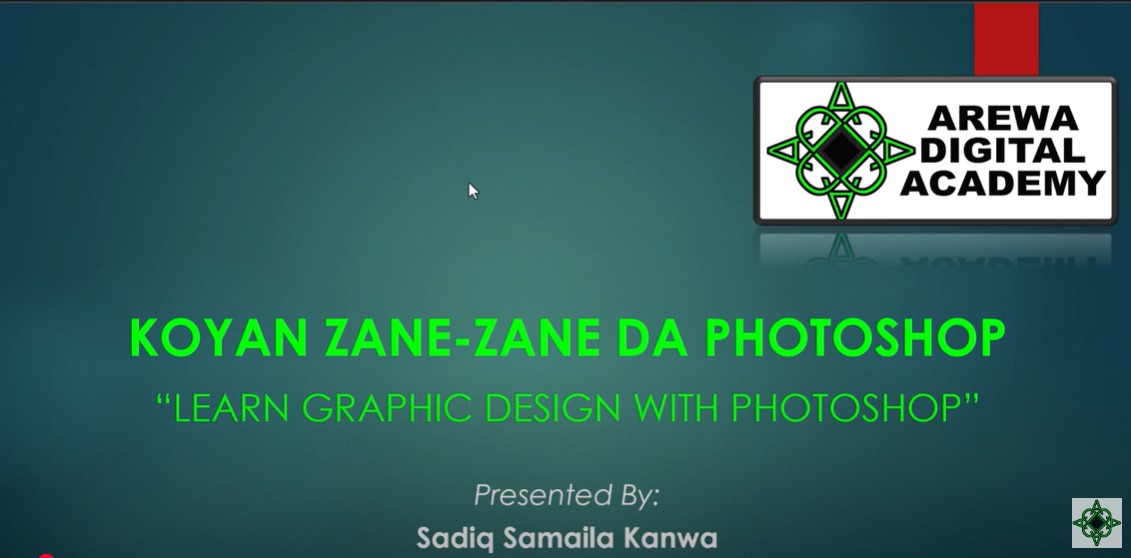
Bayani game da course din “PhotoShop – with Hands-on Projects”
Buɗe ƙwarewarka ta ƙirƙira da Mastering Photoshop – tare da Projects, wani kwas na kan layi da aka tsara don masu farawa da masu matsakaicin ƙwarewa waɗanda ke son koyon dabarun gyaran hoto da ƙirar zane cikin sauƙi. Wannan kwas zai koya maka muhimman kayan aiki da dabaru a Photoshop, irin su amfani da layers, masking, gyaran hoto, rubutu (typography), daidaita launi, da haɗa hotuna. Kowanne babi yana da aikin hannu da za ka yi, ciki har da ƙirƙirar posters, hotunan talla na social media, ƙirar samfura (mockups), da sauransu. Ko kai ɗalibi ne, mai ƙirƙirar abun ciki, ɗan kasuwa, freelancer, ko mai sha’awar zane, za ka sami ƙwarin gwiwa don gudanar da ayyukan ƙira da kanka. Za ka kuma koyi dabarun da za su taimaka maka ka yi aiki da sauri da ƙirƙira. Ba a buƙatar kwarewa kafin farawa—kawai sha’awar koyon ƙirƙira da yin hoto mai ban sha’awa.
Za a bayar da certificate (shaidar course)?
A ƙarshen wannan kwas, za a ba da shaidar kammalawa daga Arewa Digital Academy.
Masu Amfana da Kwas na PhotoShop – with Hands-on Projects
- Masu Daukar Hoto (Photographers) – Gyara hotuna cikin ƙwarewa, cire kurakurai, daidaita haske, da ƙirƙirar album masu kyau.
- Masu Zane (Graphic Designers) – Ƙirƙirar tambura, flyers, posters, da kayan tallatawa na dijital don aiki ko kasuwanci.
- Masu Gudanar da Social Media – Ƙirƙirar abubuwan jan hankali, banners, da tallace-tallace masu inganci don ƙara masu bi.
- Dalibai – Inganta gabatarwar ayyukan makaranta ko gina fayil na ƙirƙira don neman aiki a gaba.
- ’Yan Sana’a Masu Zaman Kansu (Freelancers) – Bayar da ayyukan Photoshop kamar gyaran hoto, ƙira, ko zanen dijital don samun kuɗi.
- Masu Ƙirƙirar Abun Ciki (Content Creators/YouTubers) – Ƙirƙirar hoton bidiyo, thumbnail, da alamomi don ƙara ingancin bidiyo.
- Masu Sha’awar Zane (Hobbyists/Art Lovers) – Binciko fasaha ta hanyar ƙirƙirar zane-zanen dijital, haɗa hotuna, da nishadi.
Course Availability
The course is available for up to 16 weeks from date of purchase
Curriculum
- 2 Sections
- 18 Lessons
- 16 Weeks
- Getting Started with PhotoShop8
- 1.1Lesson 1: Photoshop Course Outline3 Minutes
- 1.2Lesson 1.1 Photoshop Workspace and Basic Navigation5 Minutes
- 1.3Lesson 2: Understanding and Working with Layers5 Minutes
- 1.4Lesson 3: Mastering Basic Selection Tools5 Minutes
- 1.5Mini-Project: Create a Simple Collage6 Minutes
- 1.6Lesson 5: In-Depth Adjustments of Colours and Layers5 Minutes
- 1.7Lesson 6: Transformations and Basic Retouching3 Minutes
- 1.8Lesson 7: Working with Text and Typography8 Minutes
- Advanced Skills in PhotoShop10
- 2.1Lesson 8: Creating and Editing Vector Shapes7 Minutes
- 2.2Lesson 9: Working with Blending Modes and Opacity5 Minutes
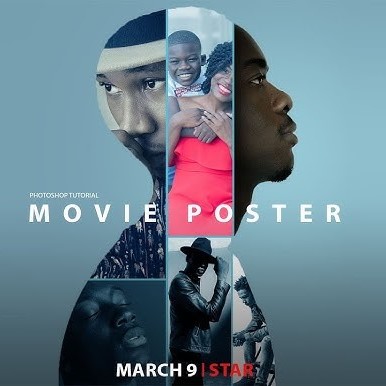
- 2.3Mini-Project: Design a Promotional Poster10 Minutes
- 2.4Lesson 10: Advanced Adjustment Layers and Smart Filters3 Minutes
- 2.5Lesson 11: Mastering Layer Masks3 Minutes
- 2.6Lesson 12: Filters and Special Effects6 Minutes
- 2.7Mini-Project: Enhance a Landscape Photo3 Minutes
- 2.8Lesson 13-14: Smart Objects and Non-Destructive Editing3 Minutes
- 2.9Lesson 15: Final Project Assembly and Exporting3 Minutes
- 2.10Final Project: Create a Final Composite Image4 Minutes

Requirements
- Basic knowledge of computers
Target audiences
- Photographers; Artists; Graphic Designers, Freelancers; UI/UX Designers; Branding and Marketers; Web Designers; Content Creators
2 Comments
Leave a Reply
You must be logged in to post a comment.

Salam, pls I don’t have photoshop in my pc, how do I get a free version of it pls
Unfortunately we do not supply software to learners. But if you ask the right people, they may be able to help you with installation